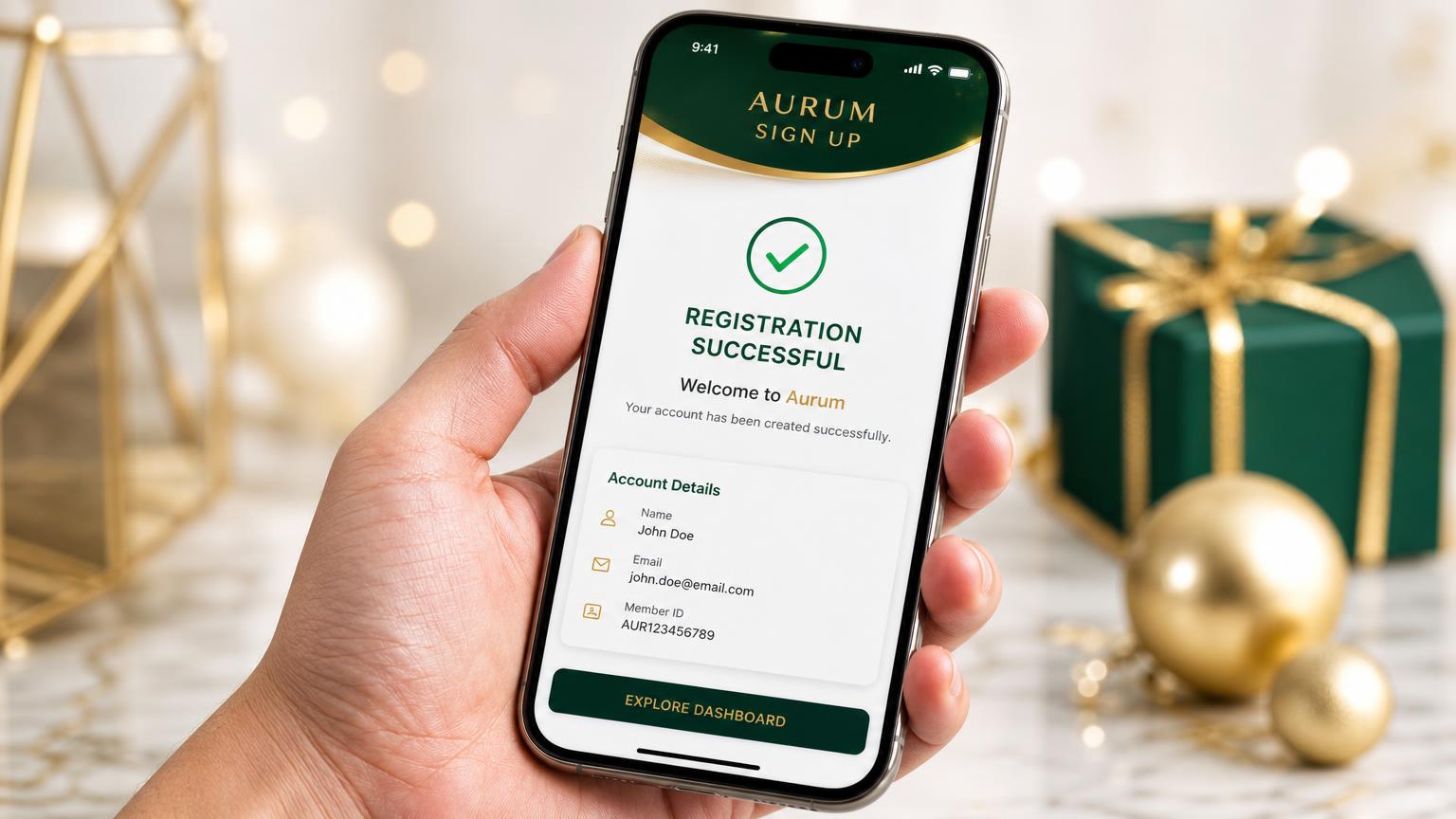
Sponsor ID → Registration → One-time $50 Phase 1 payment → Administrator verification → Member ID assignment → Starter kit fulfillment → Optional Phase 2 upgrade
The Eight Steps
Sponsor ID In. Position Claimed.
01
Secure Your Sponsor ID Before You Touch The Form
CBSU is a sponsor-referral structure. No enrollment is complete without the CBSU Member/Sponsor ID of the person who referred you — that number determines whose organization you are placed in and who is accountable for your training.
▸Your Sponsor ID for this organization is #4952.
▸Write it down now. You will be asked for it during registration.
▸If the field is left blank, your placement can be delayed or misassigned.
02
Open The Corporate Presentation
Go to the CBSU corporate site. Watch the presentation in full, review the direct-mail postcard system and the sample postcards, then scroll to the section labeled “Ready to Sign Up as a Member of CBSU?” That section is the doorway into the registration process.
▸Do not skip the presentation — it explains what you are joining.
▸Registration begins from that section, not from a separate site.
03
Complete The Membership Registration
Enter your personal and contact information exactly as it should appear on your membership record, then enter the Sponsor ID in the sponsor field. Review the spelling of your name, mailing address and email before you submit — your starter package is shipped to the address you enter here.
▸Personal information → Sponsor ID → Submit.
▸Use a mailing address that reliably receives packages.
▸Use an email address you actually monitor; confirmations arrive there.
04
Complete The One-Time $50 Phase 1 Payment
Phase 1 membership is a one-time $50 startup payment. Current CBSU enrollment materials describe no recurring monthly Phase 1 fee. After submitting your registration you proceed to the Buy Now / checkout step to complete the payment.
▸Online: credit or debit card through the PayPal checkout presented after submission.
▸By mail: print the enrollment form, complete it with your Sponsor ID and personal information, and mail it with the $50 startup payment (cash or money order) to the CBSU / JD Marketing administrator.
▸Keep your receipt or confirmation. You will post that reference inside your 3M War Room.
05
JD Marketing Processes Your Enrollment
JD Marketing is the program administrator that processes memberships and mails the starter marketing package. Once your registration and payment clear, your file moves into fulfillment.
▸Processing and shipping are handled entirely by CBSU / JD Marketing.
▸3M Prosperity System never collects, holds or processes any CBSU payment.
06
Your Starter Package Arrives
Current CBSU training material reports the welcome package generally arrives in approximately 7–10 business days. Inside is the working inventory of your first campaign.
▸Company and member materials, including Phase 2 upgrade information.
07
You Receive Your Own CBSU ID Number
Your membership ID arrives with the welcome package. From that moment forward, that number is your position. Every prospect you enroll uses your ID, and the referral chain continues beneath you.
▸Your sponsor's ID (#4952) → you enroll → CBSU assigns your ID → your referrals use your ID.
▸Post your CBSU ID inside the 3M War Room so your leads are credited to you automatically.
08
Optional: Phase 2 Upgrade Levels
Phase 2 is separate from the $50 Phase 1 enrollment and is entirely optional. The upgrade form and instructions are included in your welcome package.
▸By mail: complete the upgrade form from the welcome package and send the corresponding upgrade payment to the company.
▸Some CBSU training pages describe sending Phase 2 upgrade funds by Cash App with your name, upgrade level and CBSU ID in the payment note.
▸Confirm any Phase 2 payment method directly with CBSU / JD Marketing before sending funds. Third-party training pages are not the corporate instruction.
What Arrives In Your Starter Package
▸ Approximately 200 CBSU postcards
▸ Approximately 200 mailing leads / peel-and-stick address labels
We verified these against the CBSU corporate site and the material circulating in the field. Anything not published by the company itself is labeled as unverified — confirm it with CBSU / JD Marketing before you send a dollar.
Confirmed on the corporate site
▸Credit / debit card online. The corporate "Ready to Sign Up as a Member of CBSU?" button opens the two-step Join Today form. Step one submits your details plus your Sponsor ID; on submit you are transferred automatically to the payment page. Click SUBMIT only once — a second submission duplicates your record.
▸Mail-in with cash or money order. Print the enrollment form, complete it with Sponsor ID #4952, and mail it with the $50 Phase 1 payment to the CBSU / JD Marketing administrator.
▸24/7 CBSU overview line. Call the number below for a 24/7 Cash Building System Unlimited overview.1-800-809-3523Press and hold the number above — your phone icon will appear, then press dial to call straight from your mobile phone.
Reported in the field — unverified
▸Cash App for Phase 2 upgrades. Several independent member training pages instruct upgraders to send Phase 2 funds by Cash App with their name, upgrade level and CBSU ID in the payment note. This instruction does not appear anywhere on the CBSU corporate site.
▸Third-party funnel pages. Individual members run their own capture funnels that route into the same corporate registration form using their own member ID. Enrolling through one of those credits that member, not this organization.
▸Zelle, Venmo, PayPal "friends and family". We found no corporate publication of any of these. Treat any such request as unconfirmed until CBSU / JD Marketing states it directly.
Rule of thumb: never send funds by a peer-to-peer app on the word of a web page. Confirm the destination with the company first. 3M Prosperity System never collects, holds or processes any CBSU payment.
Four Ways To Enroll And Operate
Postcards are one channel — not the only channel. Choose the route that matches how you actually work.
Route A
Direct Online Enrollment
Straight from the corporate presentation into the registration form and card checkout. Fastest path — most new members use this.
Prefer not to mail postcards? Work the system entirely online. Share your 3M capture links, drive traffic digitally, and let prospects enroll through the same registration form using your CBSU ID. The postcards remain in your kit as an optional offline channel — nothing in the enrollment requires you to mail them.
Print the enrollment form, complete it with your Sponsor ID, and mail it with your $50 startup payment (cash or money order) to the administrator. Chosen by members who prefer not to transact online.
Enroll online, then run both channels at once: digital capture pages and social traffic on one side, the 200 postcards and mailing labels on the other. Highest coverage per dollar.